Account and licence
Your account, your licence.
Two accounts exist and they are not the same one. This page says which is which, where your licence lives, and what happens when it ends.
Two accounts, one machine
Your Cyclop account is the one on cyclop-tech.com. It carries your licence, your invoices and your machines.
Your computer account is local to this machine. It is the password you type to log in, and it exists even with no internet connection.
Changing one never changes the other. Losing the local password does not lose your licence, and the other way round.
When you need an account at all
Community is free and needs no account to use. An account starts to matter the moment you buy an edition, because it is what ties a licence to the machines allowed to use it.
The installer asks for it before it asks which edition to install, which is why the order of those two screens is not arbitrary.

What the account records
Your identity and contact details, your licences and their dates, your invoices, and the machines that have activated a licence: a hostname, a device identifier, and the hardware the machine declared at activation.
Nothing about what you do with the computer. No list of applications, no documents, no browsing.
See your licence on the machine
Settings, then Accounts, then Cyclop Account. You get the edition in force, the name of this machine, and the device identifier used to open the repository.
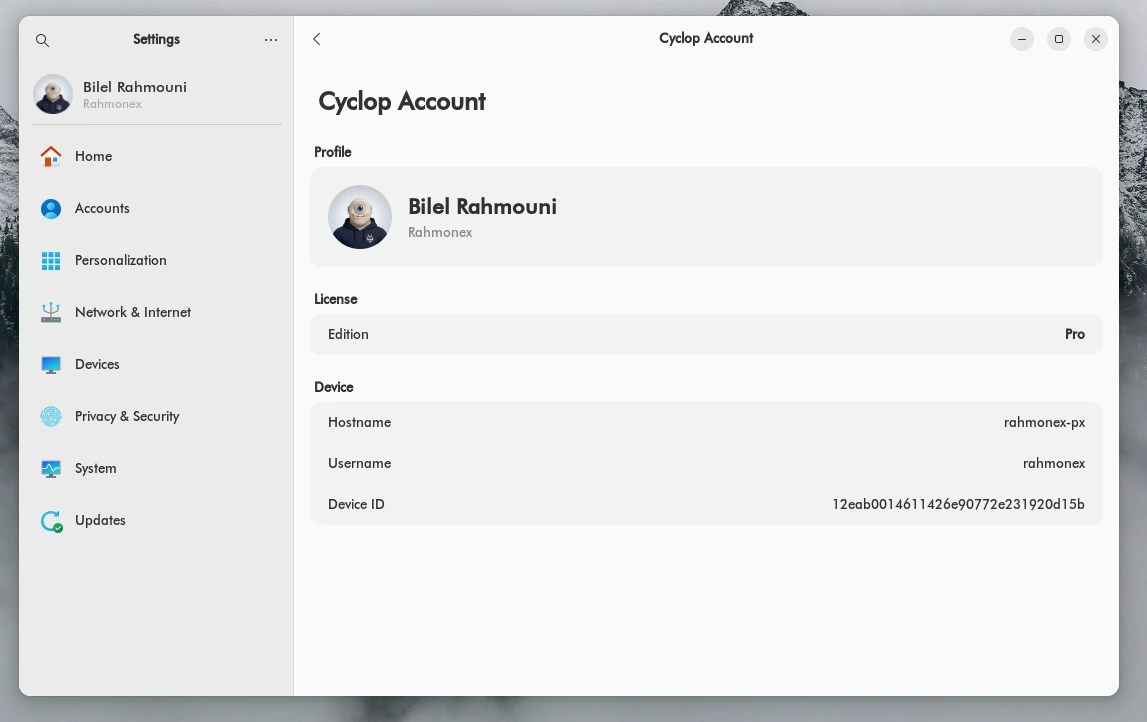
The device identifier is what the repository checks.
See it on the website
Your account area lists the licence, the days left before renewal, and every machine that has activated it.
It is also where you renew, where you ask for a refund within the withdrawal period, and where you end a subscription.
- Sign in on cyclop-tech.com
- Open your account area
- The licence and its machines are on the first screen
Moving to another computer
A licence covers a number of machines. When you reach the limit, deactivate one from the account area before activating a new one.
Deactivating does not touch the machine itself. It keeps working on the free base, it simply stops receiving the paid edition.
When a licence ends
Nothing is switched off remotely. The system keeps booting and your files stay yours.
When the licence lapses, the repository of the paid edition closes to that machine. Cyclop OS warns you and gives you 30 days, counted with our server’s clock. If the licence is not renewed by then, the apps of the paid edition are removed and the machine goes back to the free Community edition, which keeps receiving updates. A refunded licence goes back to Community at once, without the 30 days.
If our licence server cannot be reached, nothing changes on your machine. The check only acts on a clear answer from our server saying the licence is no longer valid. A network error, a timeout or a fault on our side leaves the edition and its apps exactly as they are, for as long as it lasts.
If Cyclop Technologies stopped, the same rule would apply: with no server to answer, no machine is moved back to Community and the apps already installed keep working. Updates from our own repositories would stop, while the Ubuntu software in Cyclop OS keeps updating from the Ubuntu archive.
We never disable a machine at a distance. That is a product commitment, and it is written into the contract.
Updates
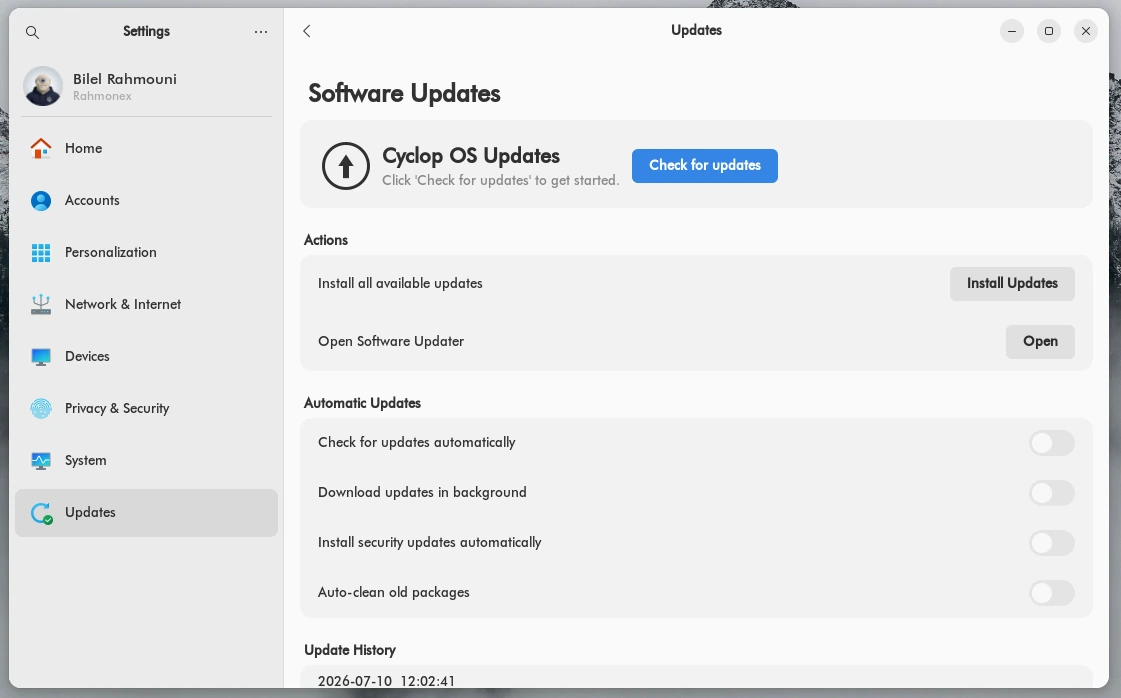
Settings, then Updates. You can check by hand, install everything waiting, or let security updates install on their own.